01 / PLAYFUL ORIGINALS Gaming · esports · celebrations
Gaming · esports · celebrationsArcade Hype
Launch the good moments into orbit.
!sticker rocket100 points* Social Stream Ninja
The sticker collection / Pick your personality
A little hype. A quiet thank-you. One very unnecessary goose. Six themed packs for different communities, with still and moving versions of every design.
Host-approved. Off by default. Free to preview.
Choose a feeling
Pick a pack, choose its movement, and preview it on screen. Each pack has one illustration with three display variations.
Gaming · esports · celebrationsLaunch the good moments into orbit.
!sticker rocket100 points*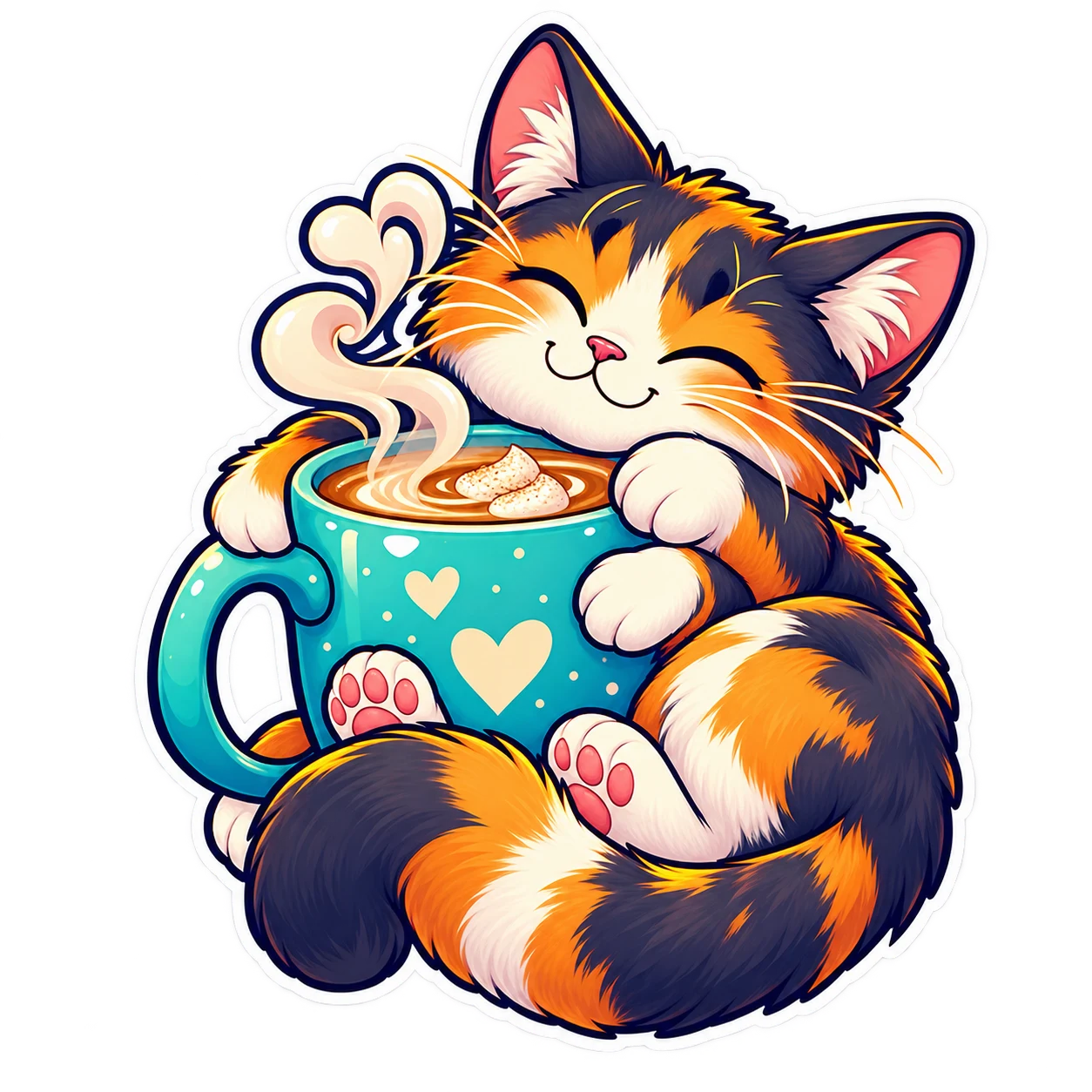 Study · coding · cozy hangouts
A little comfort, courtesy of chat.
!sticker coffee75 points*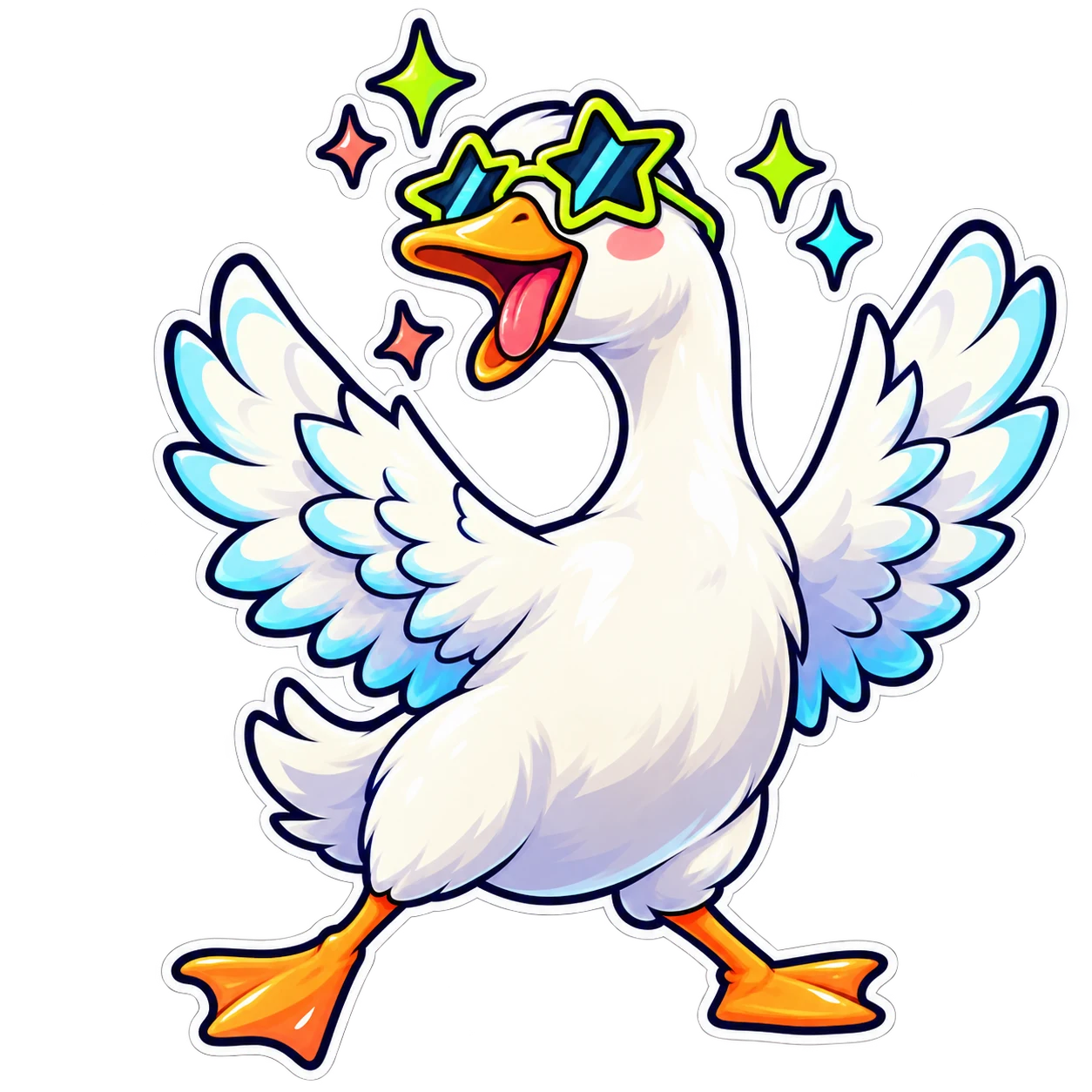 Variety · IRL · comedy
A very important goose has entered the stream.
!sticker goose125 points* Music · DJs · performances
For the song that deserves an encore.
!sticker listen100 points* Art · crafts · cooking
Celebrate the process, not just the finish.
!sticker inspired75 points* Charity · wellness · community
A little appreciation goes a long way.
!sticker love75 points**Default SSN loyalty-point prices. Hosts choose which packs are available and can change every pack’s price.
Host setup
These rewards use SSN’s own loyalty balance, not native Twitch or Kick channel points. Enable them only when you want this interaction.
Default limits: 6 seconds on screen, 60 seconds per viewer, 20 seconds per sticker, and a 3-second gap. Requests during a cooldown are declined without a charge.
&stickers to your Multi-Alerts or event-stream URL. Use one sticker display to avoid showing the reward twice.!stickers for the enabled menu and !sticker rocket to redeem. Source-chat replies are optional and require a supported send-back connection.The sticker connection uses the standard SSN iframe bridge, including when your chat uses server mode. A local-only deployment needs access to that bridge.
Bring your own personality
Add up to 12 custom rewards from the same settings panel. Choose a name, a short code, a fixed price, and a direct HTTPS image URL. Viewers choose from your approved menu; they cannot submit arbitrary image URLs.
Copy a direct GIF or WebP media link, rather than the GIPHY page address, and add it as a custom sticker. The image is fetched from its host when used; that host must permit image loading.
A custom code of hype becomes !sticker custom-hype. Static PNG, JPEG, and WebP images work too. Use artwork you have permission to display.
For a calm layout, add &motion=off to stop the built-in sticker movement. Animated GIF content still animates, so choose static images when you want no motion. Optional &size=400 and &hidecaption adjust the player.
Find 126 ideas for chat, games, real-world labels, and more.