Cities
Skylines, streets and rooftops, from a neon megacity to a harbour at dawn.
City backgrounds
Full-screen moving city pictures to sit behind a title, a camera or a break screen: a neon megacity, a skyline across the bay, a rainy street, a rooftop, a pixel-art city and a harbour. Pick the time of day, the weather and the colours.
All stylesWild places
Landscapes built on light, air and weather.
Wild places
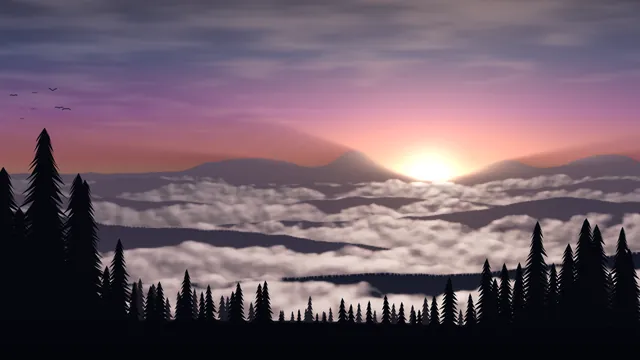
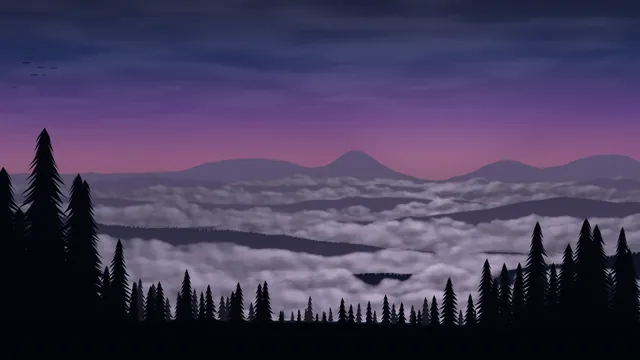
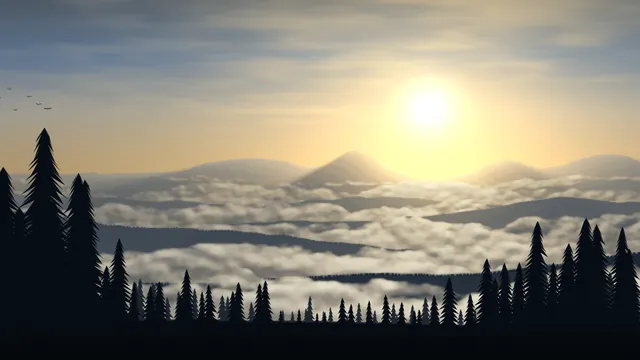
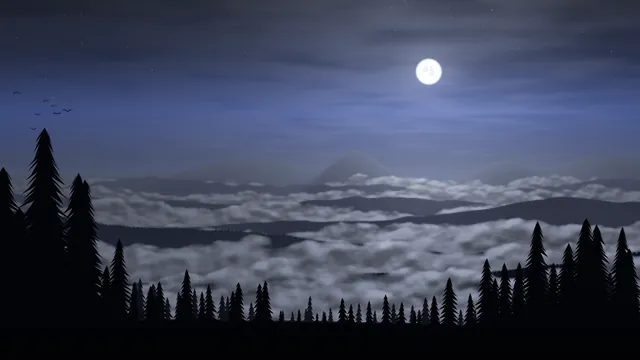
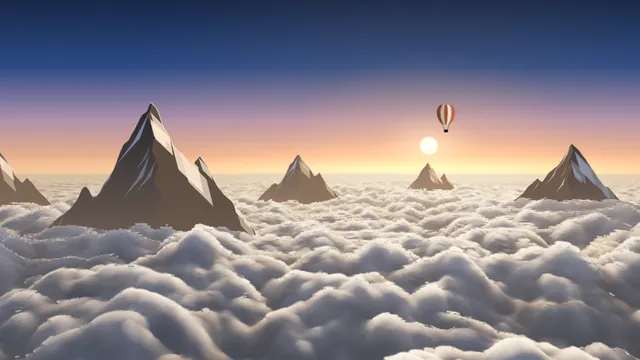
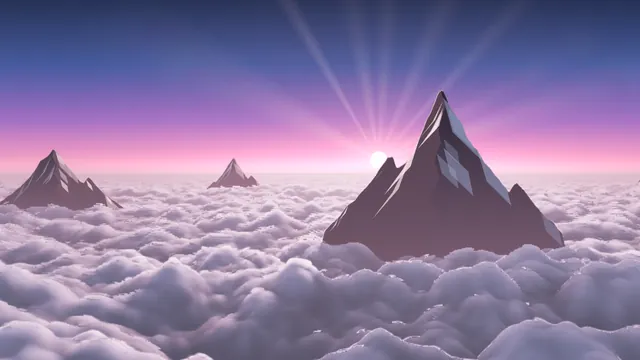
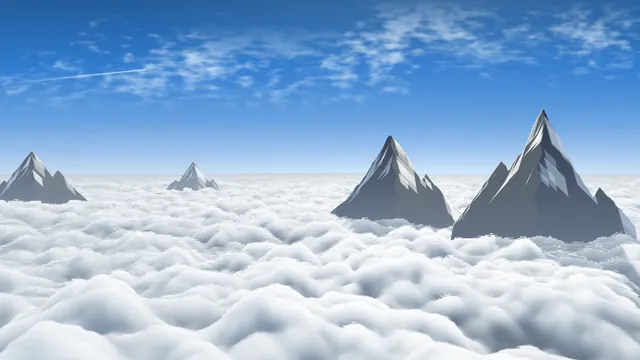
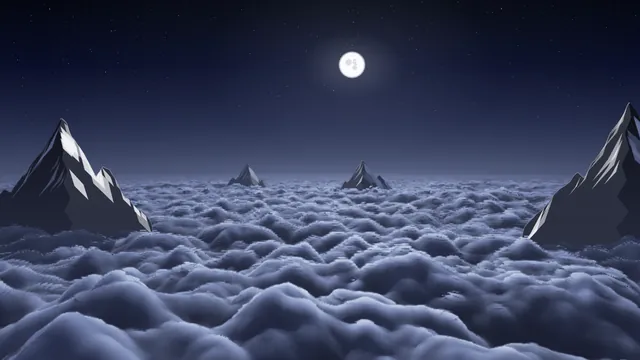
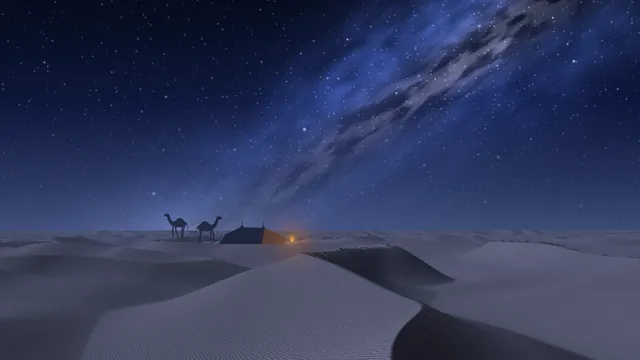
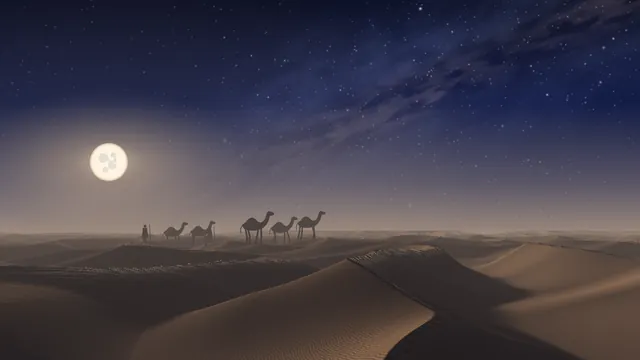
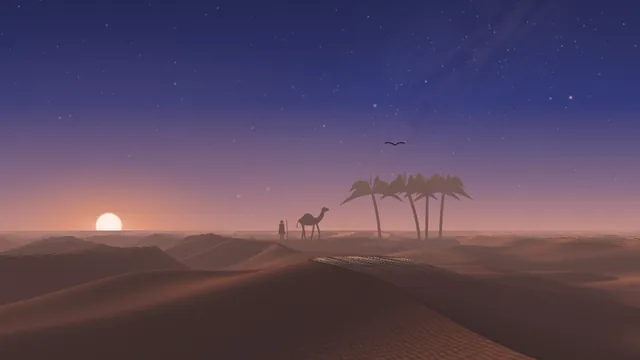
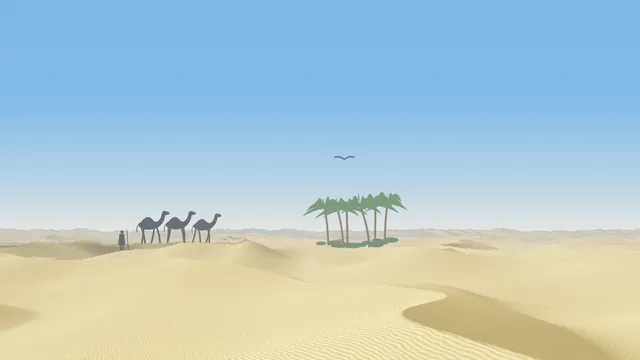
Full-screen moving landscapes to sit behind a title, a camera or a break screen: a misty valley, a sea of cloud seen from above, a thunderstorm over the plains and a desert under the stars. Pick the time of day, how hard the wind blows and the colours.
All stylesLiving places
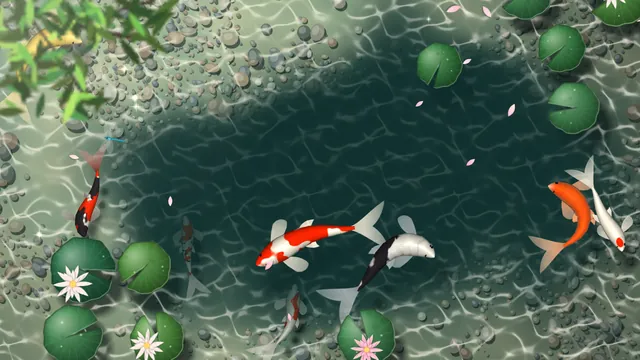
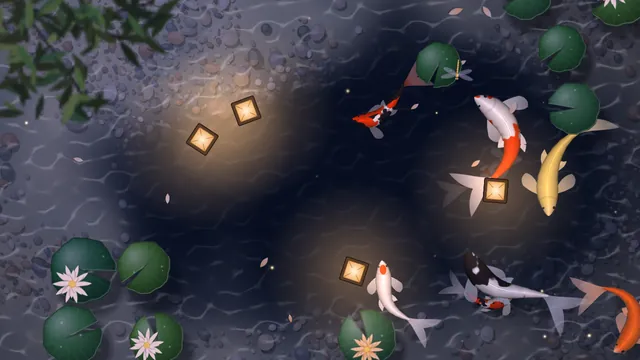
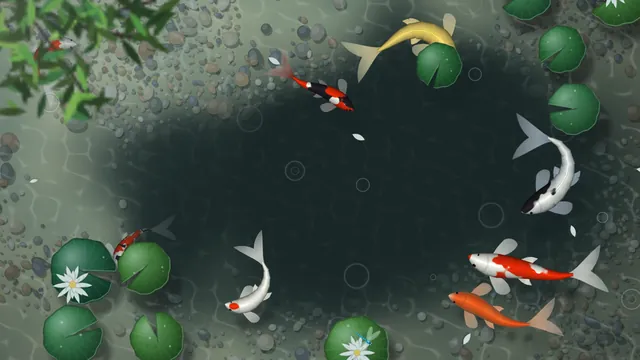
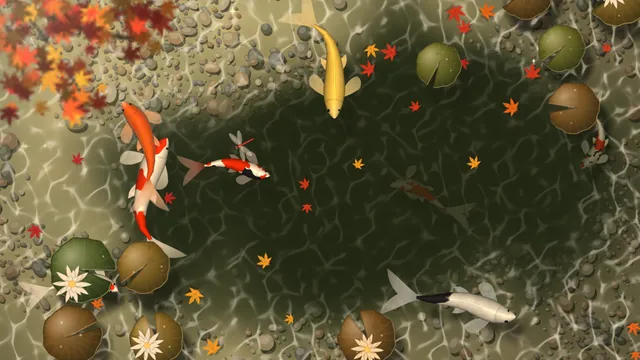
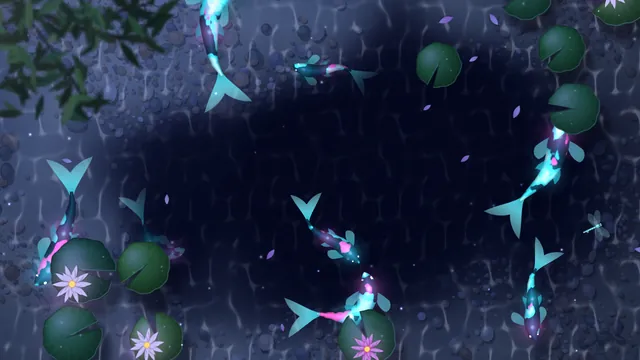
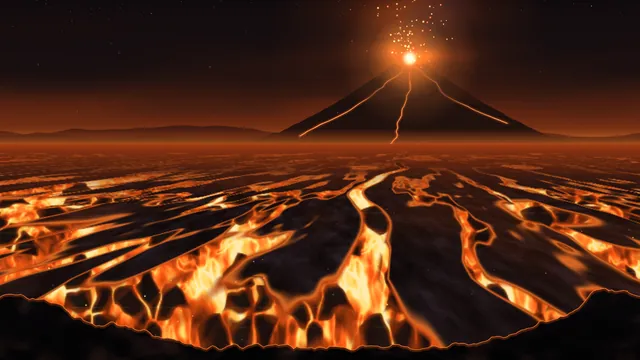
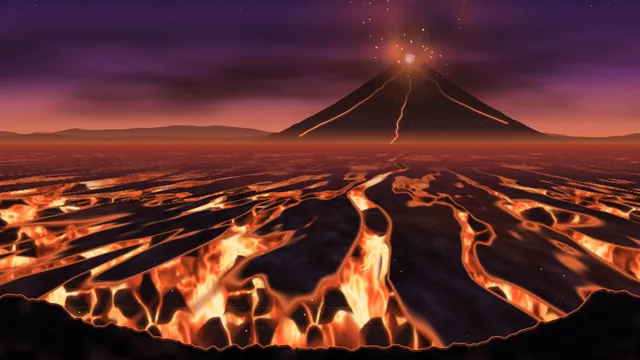
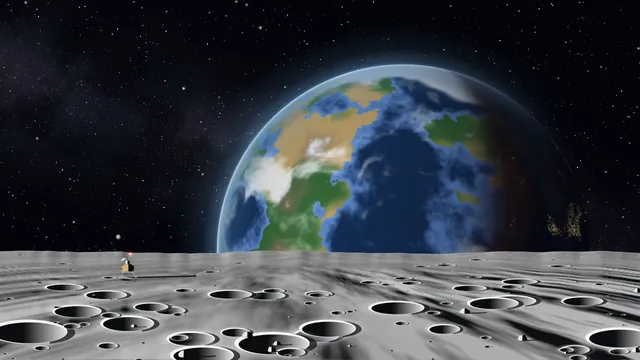
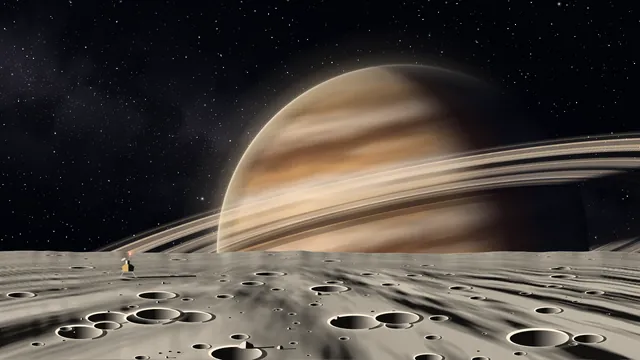
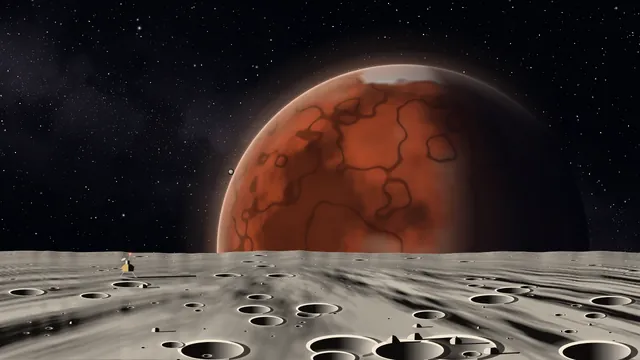
Somewhere quiet with something alive in it: a forest, a koi pond, a lava field, a planet rising.
Living places
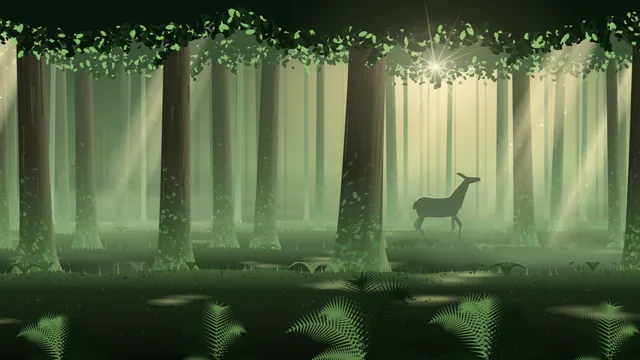
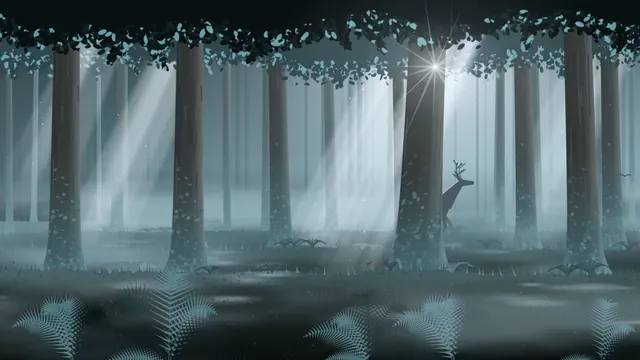
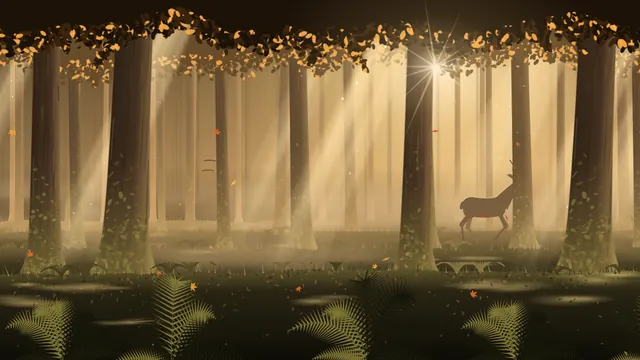
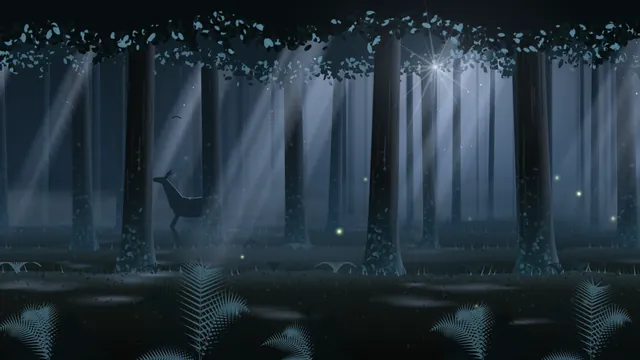
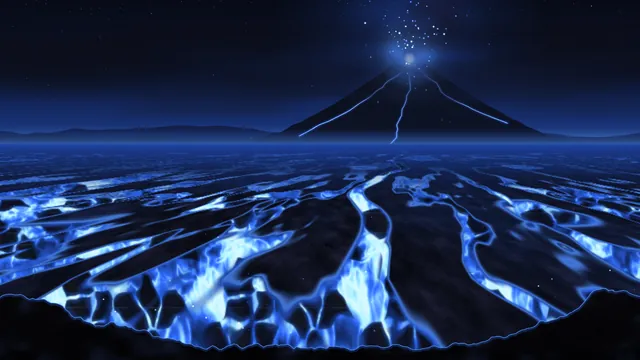
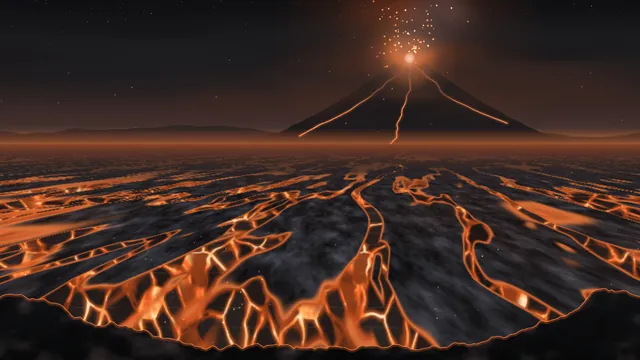
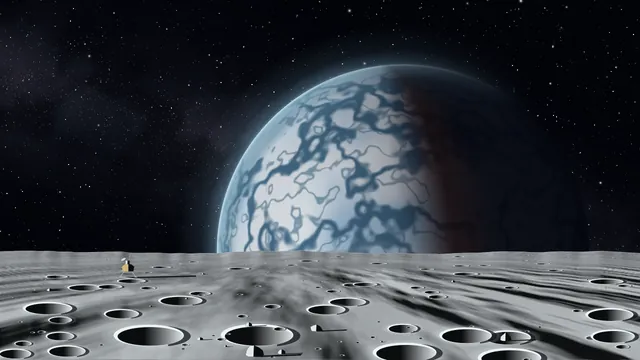
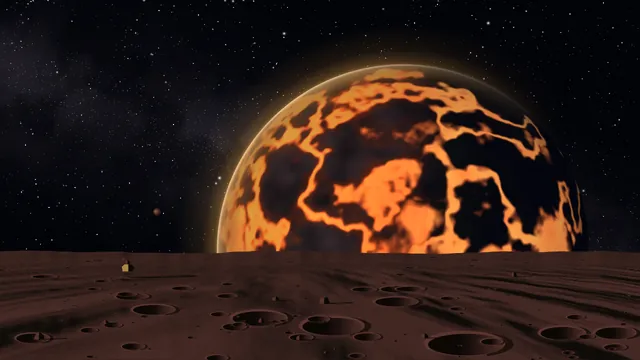
Full-screen moving pictures of living places to sit behind a title, a camera or a break screen: an old forest with shafts of light and a deer passing, a koi pond seen from above, lava fields at night, and a planet rising over a moon. Pick the mood, how much is going on and the colours.
All styles8-bit backgrounds
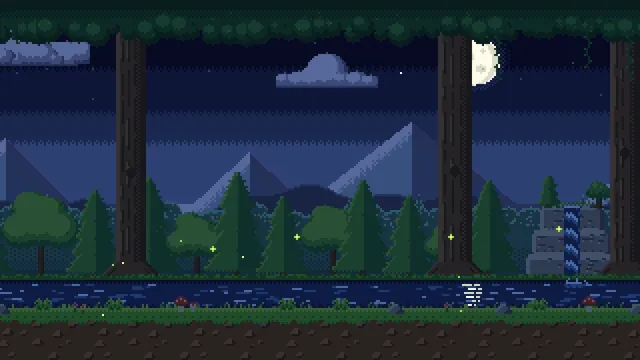
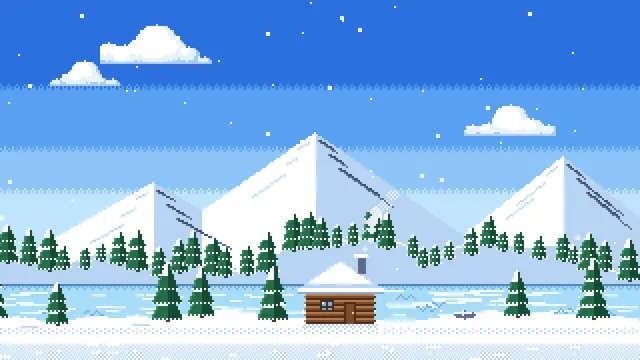
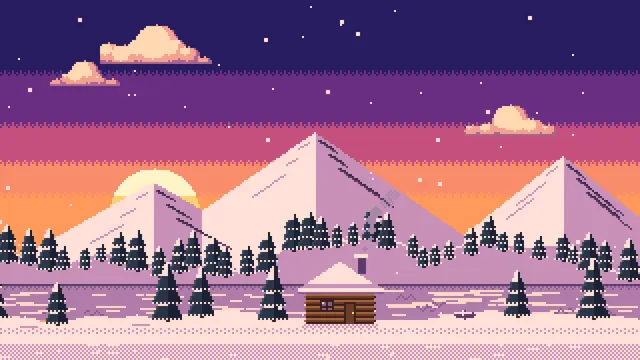
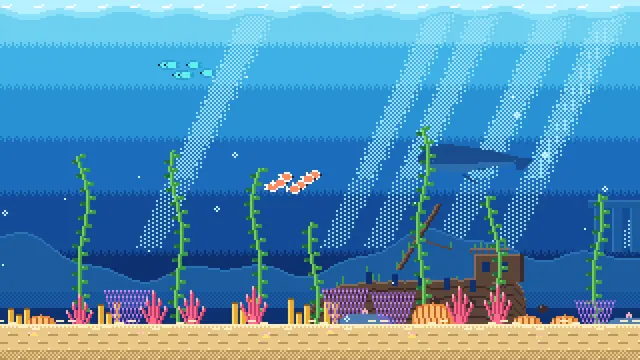
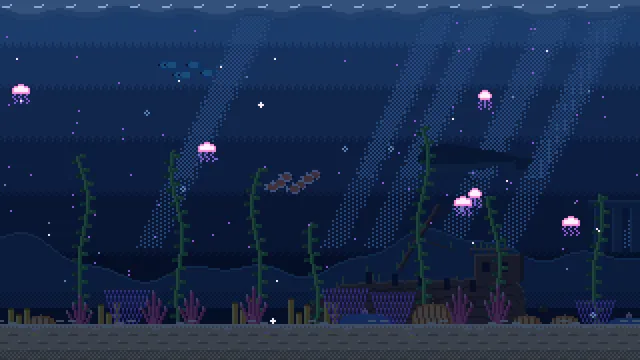
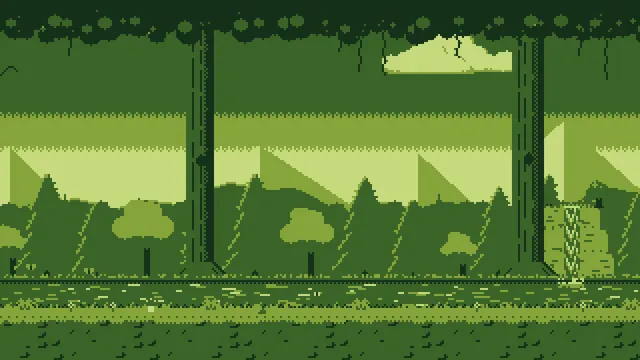
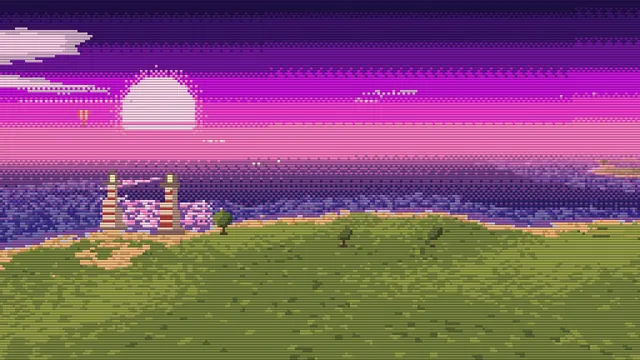
Scenery in the style of an old console game: a few colours, big pixels, parallax scrolling and little animations. Each comes by day, at sunset and at night, and in handheld-green, grey and old-TV looks.
8-bit backgrounds
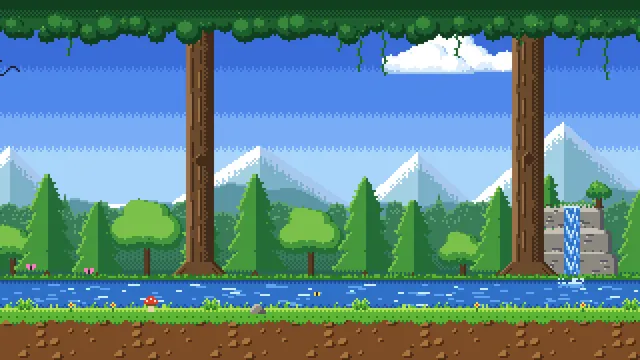
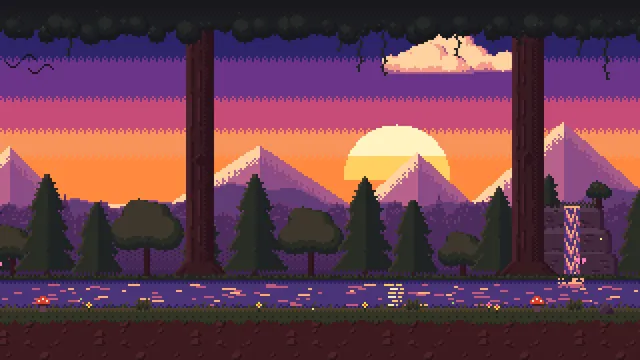
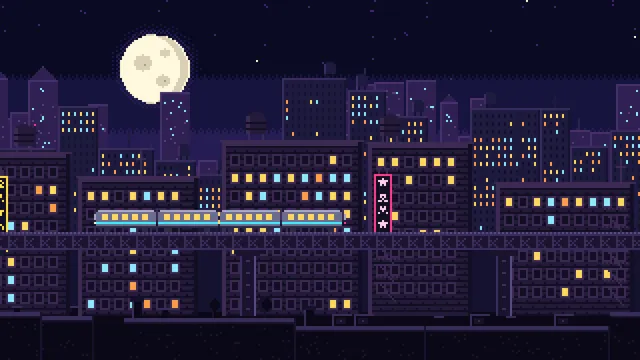
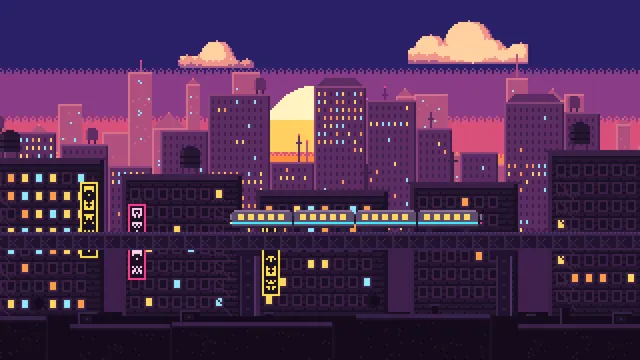
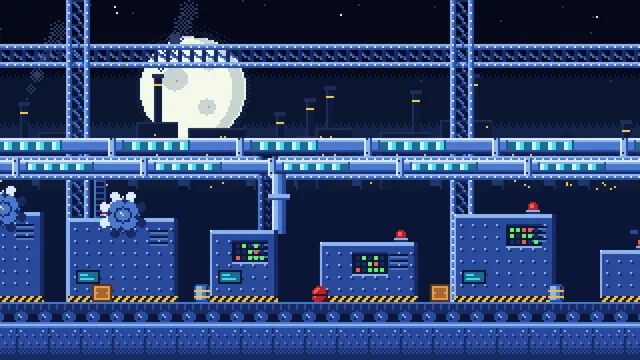
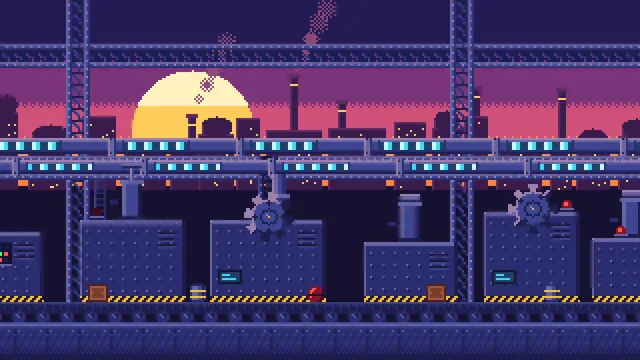
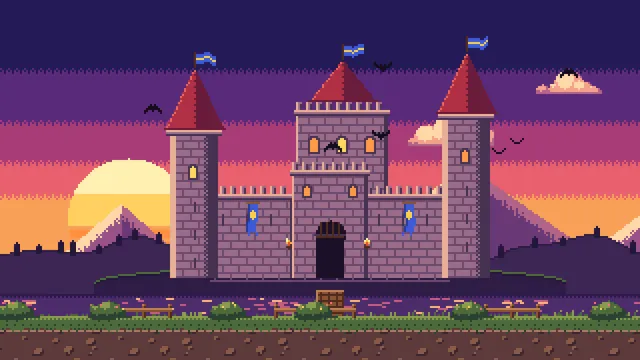
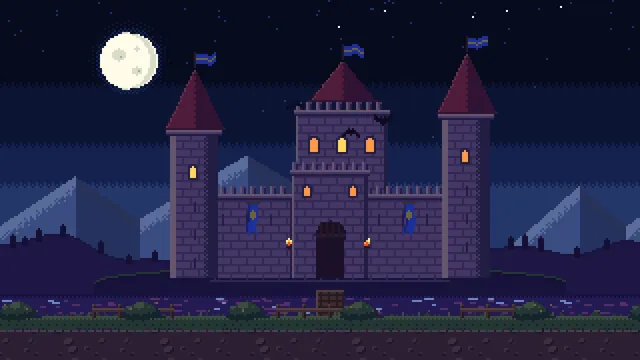
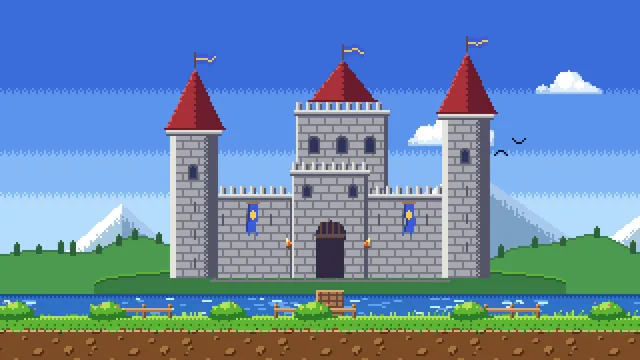
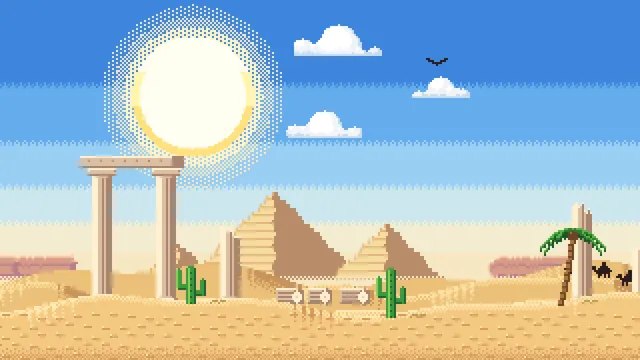
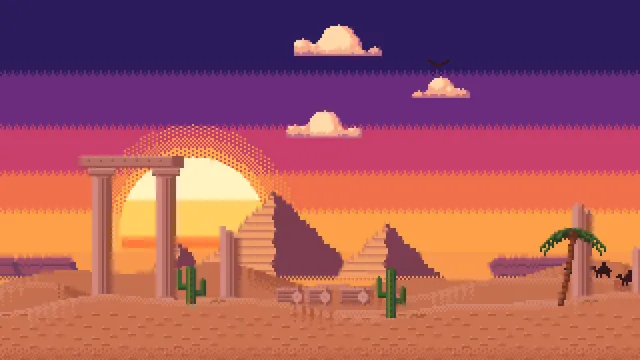
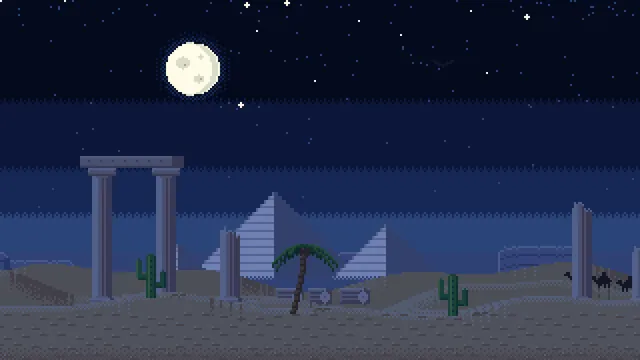
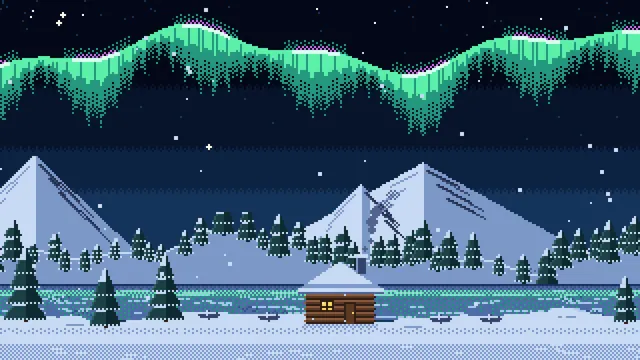
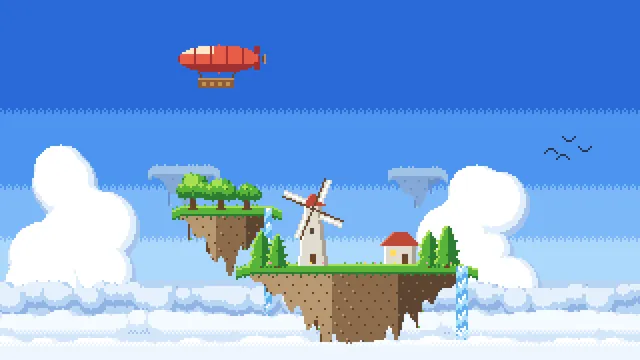
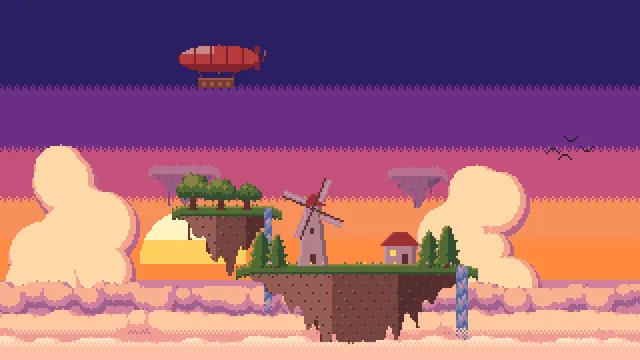
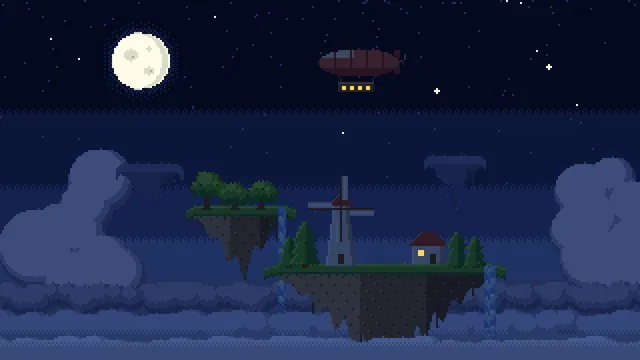
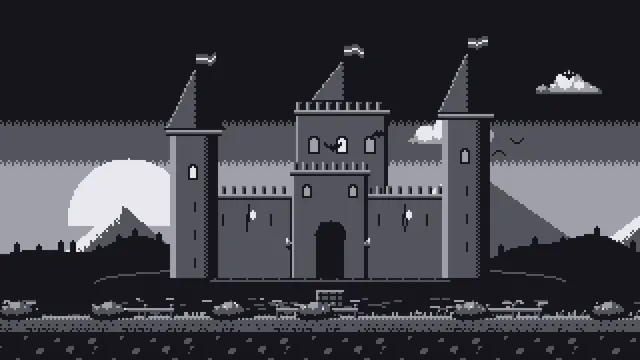
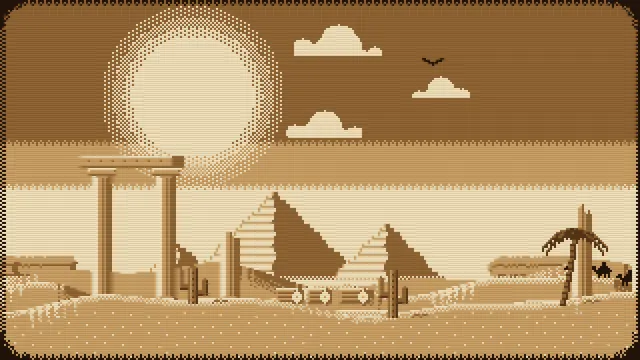
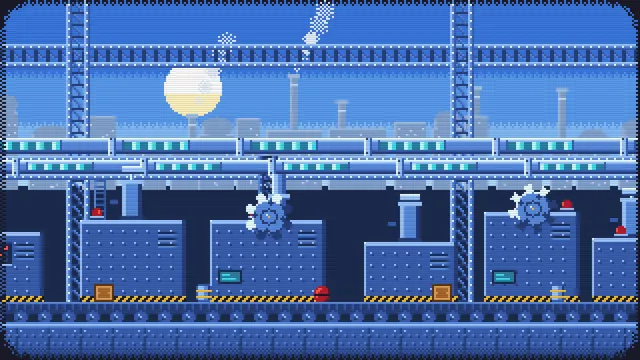
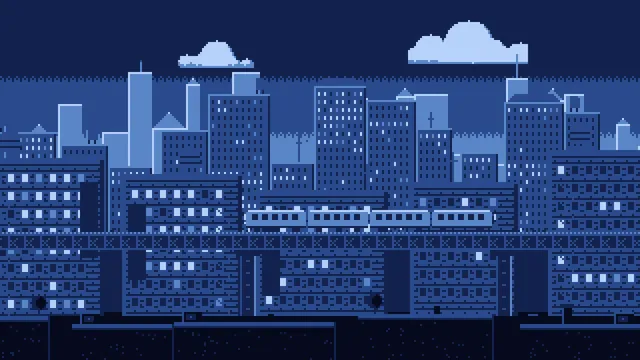
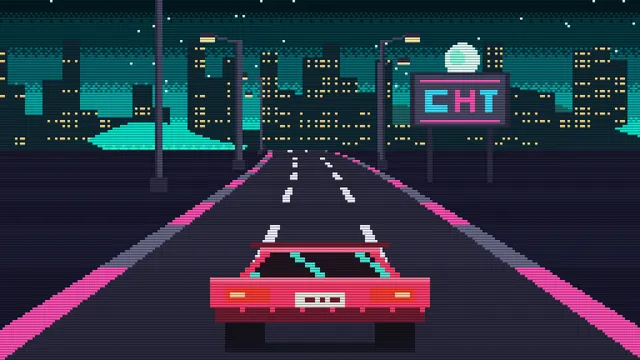
Full-screen moving pixel scenes in the style of an old games console, to sit behind a title, a camera or a break screen: a forest, a city at night, a robot factory, a castle, desert ruins, ice peaks, under the sea and islands in the sky. Pick the time of day, a whole-picture palette and how much moves.
All styles8-bit with depth
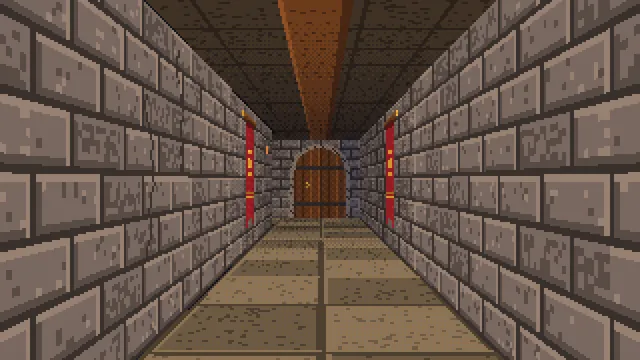
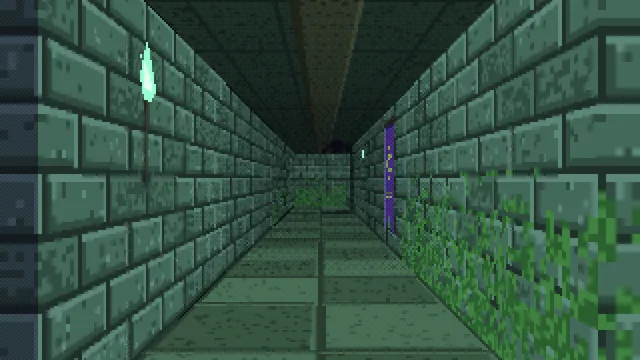
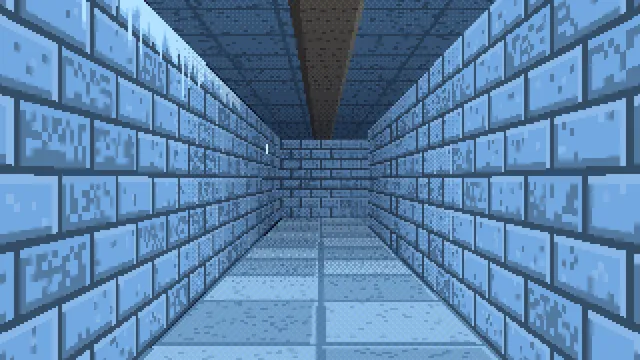
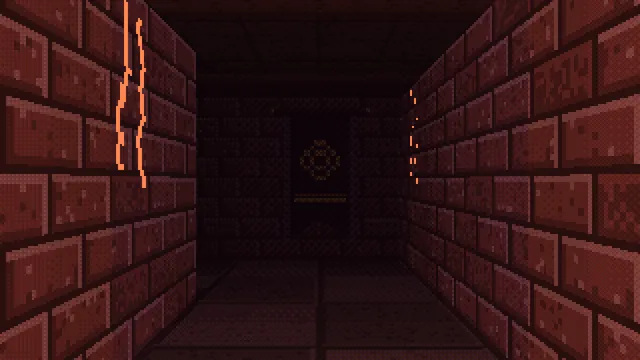
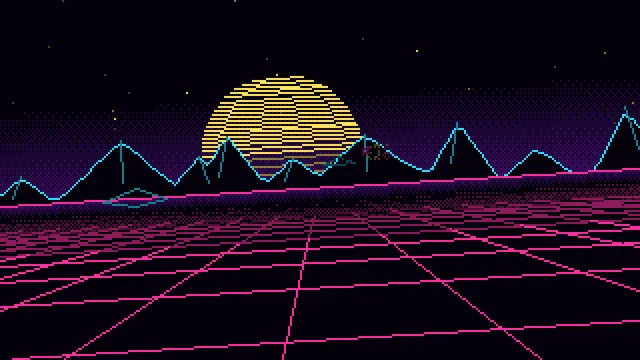
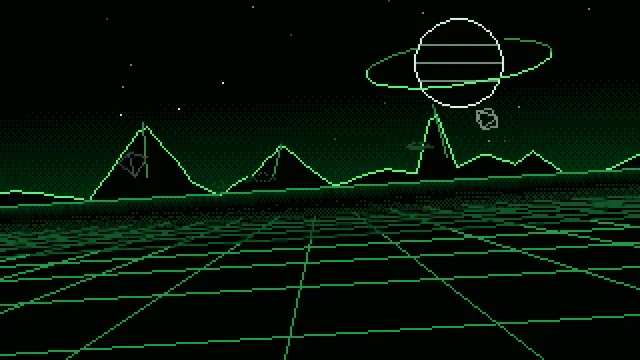
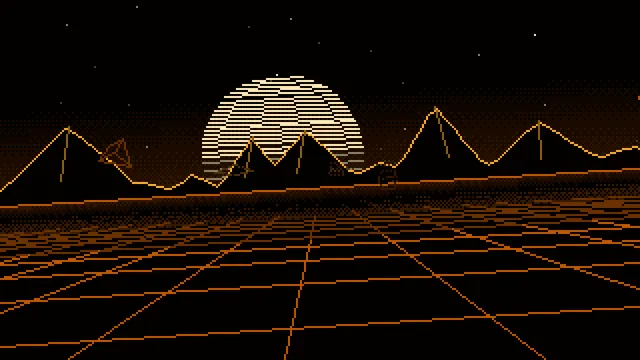
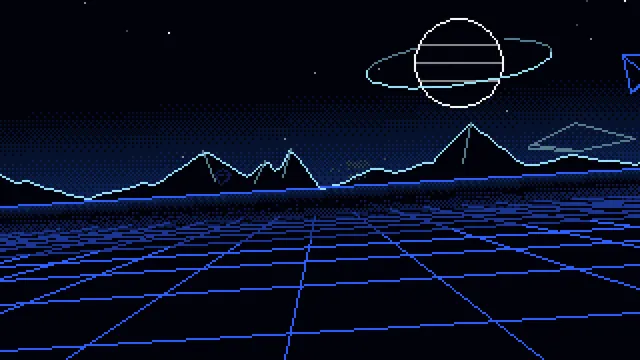
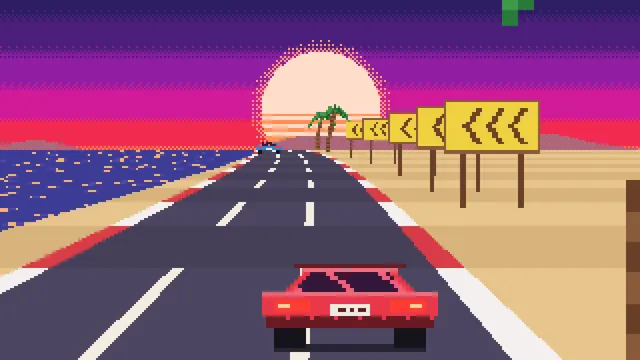
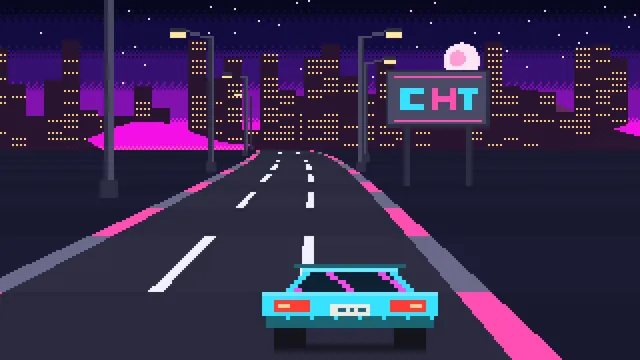
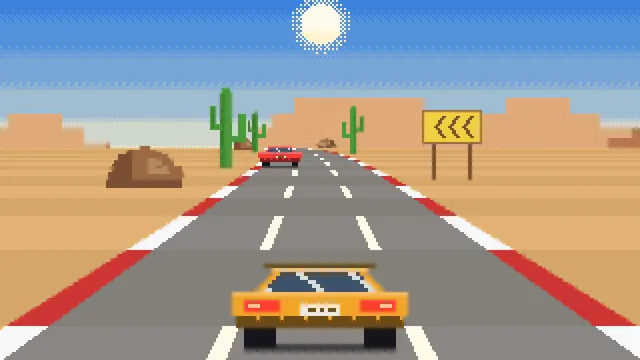
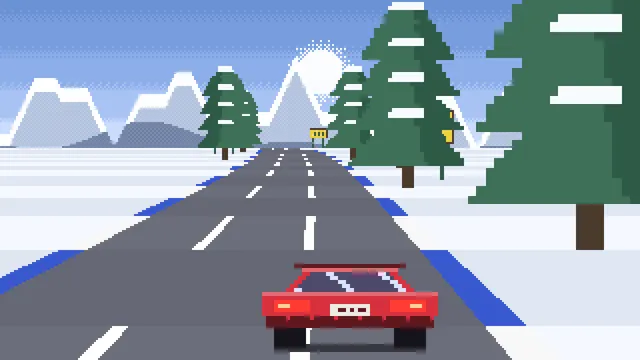
The same old-console look with the tricks those machines used for 3D: a world scrolling under you, a dungeon to walk, a canyon to fly, glowing vector lines and an open road.
8-bit 3D backgrounds
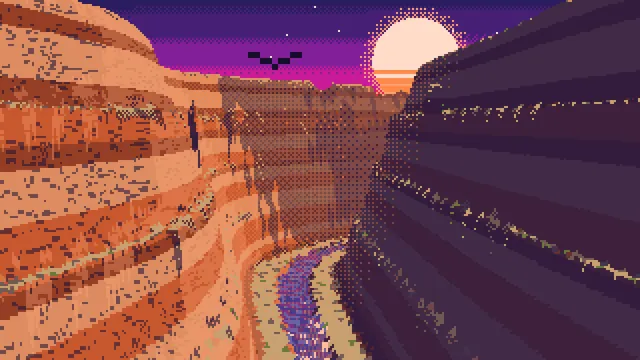
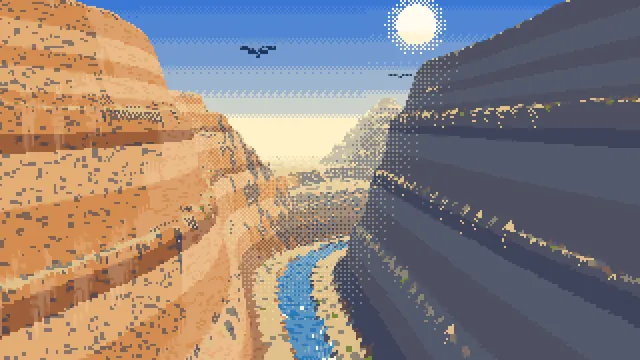
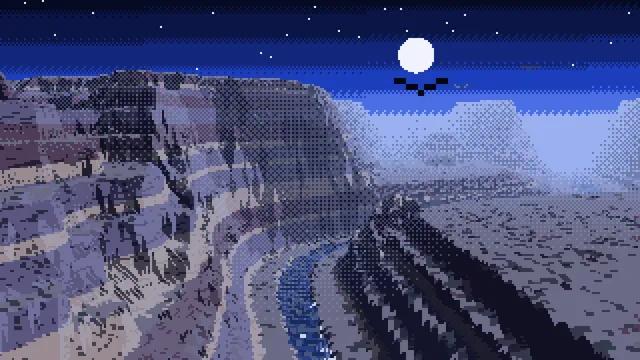
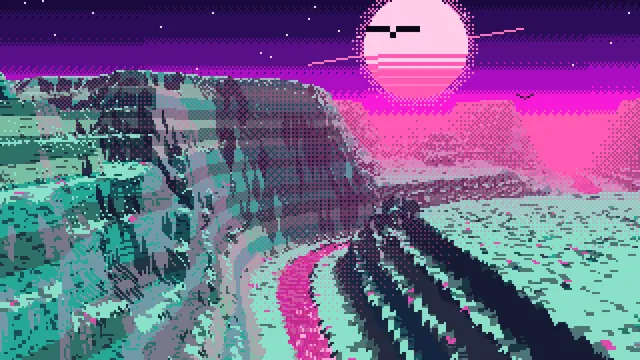
Full-screen moving pictures in an old console style with real depth, to sit behind a title, a camera or a break screen: a flight over islands, a torch-lit dungeon walk, a canyon run, a vector-line space ride and an open road. Pick the look, the pixel size and how much the camera sways.
All stylesPixel dioramas
Little pixel-art models that turn slowly, each built from stacks of flat slices. They also work without a sky, as a corner decoration over your own scene.
Pixel dioramas
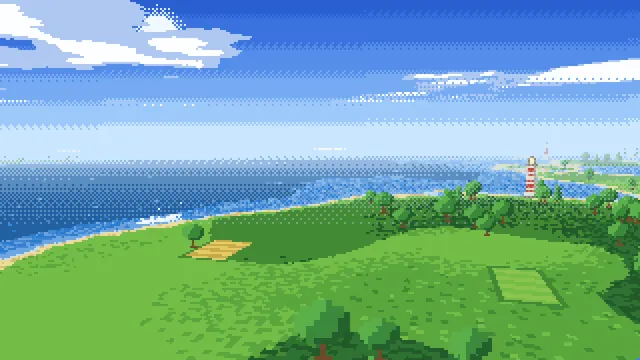
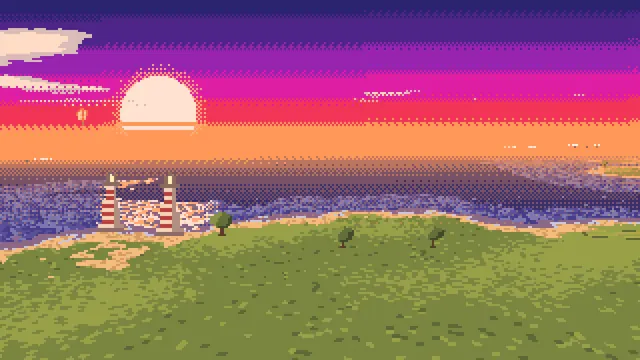
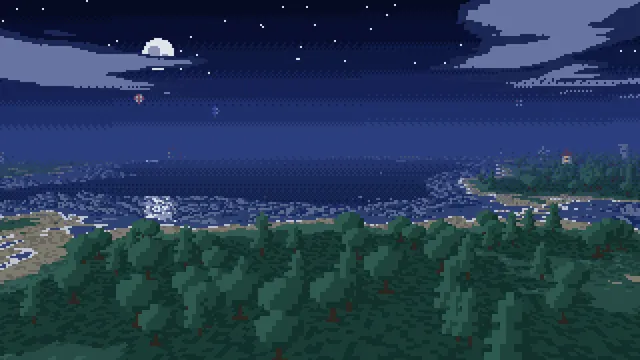
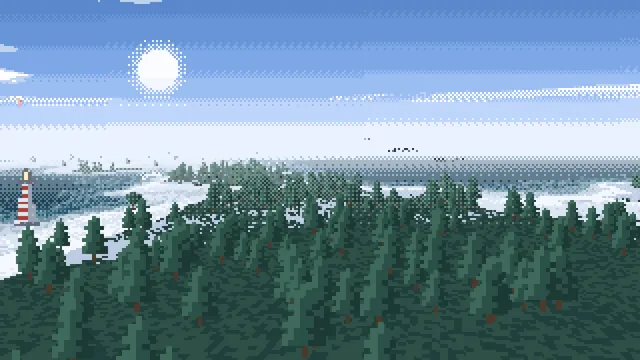
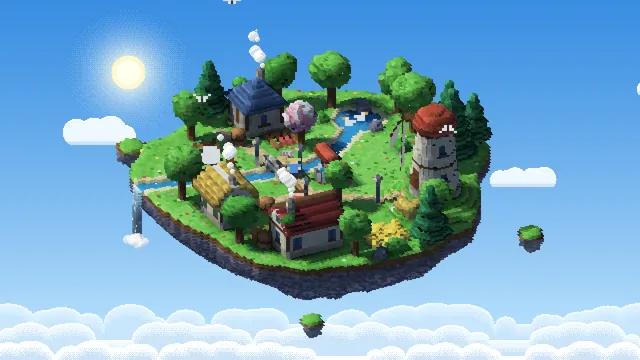
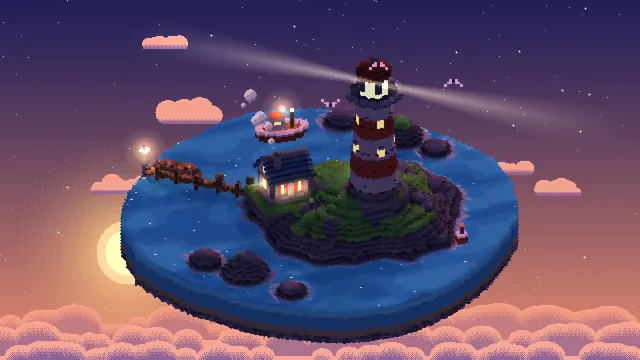
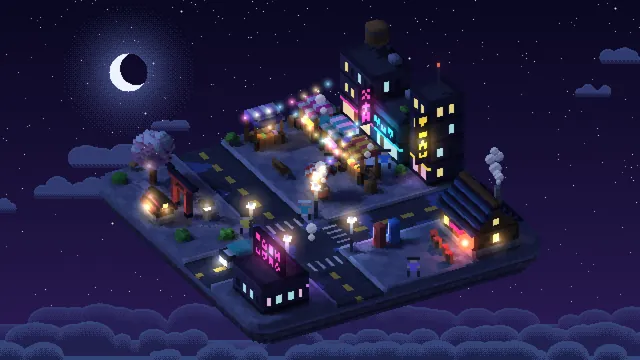
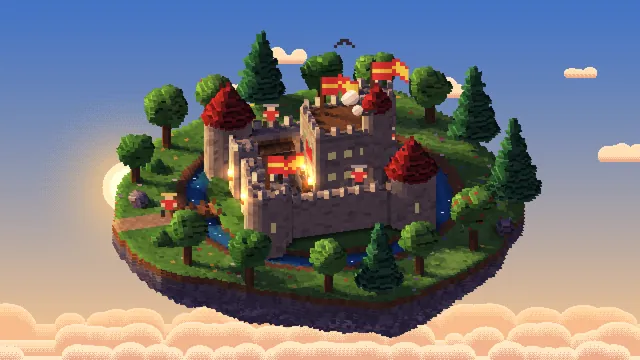
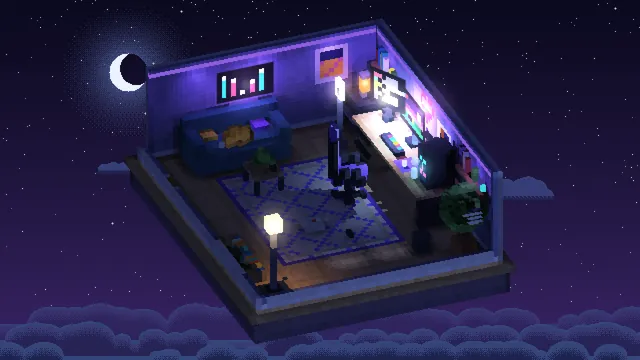
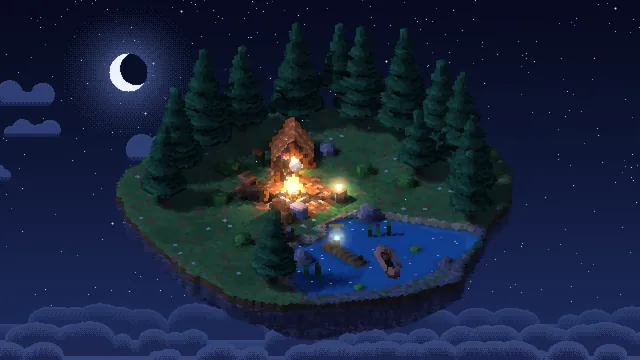
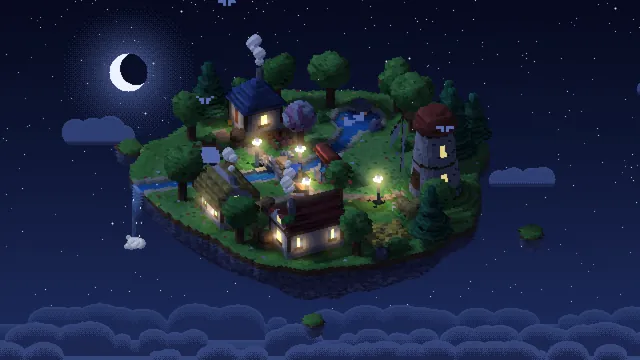
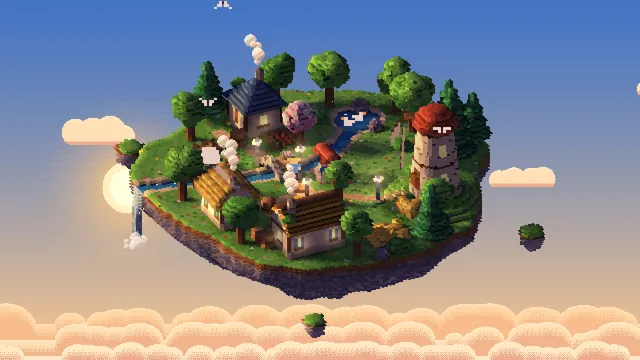
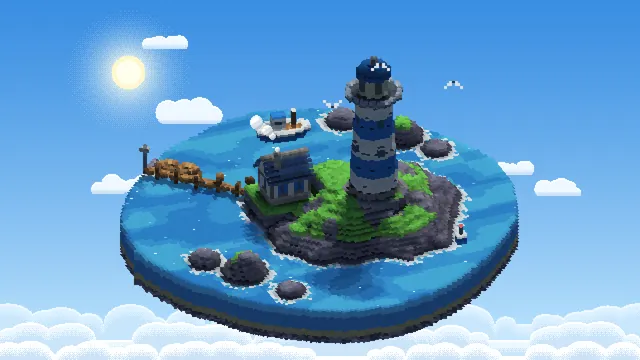
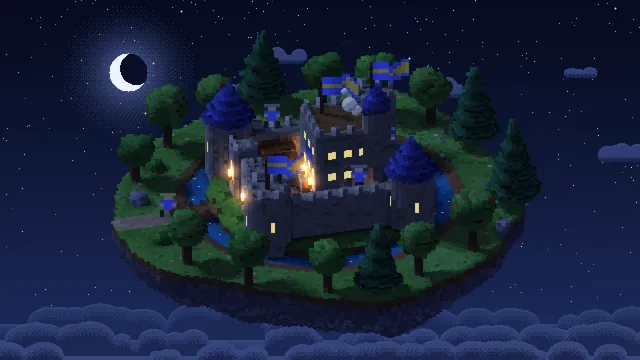
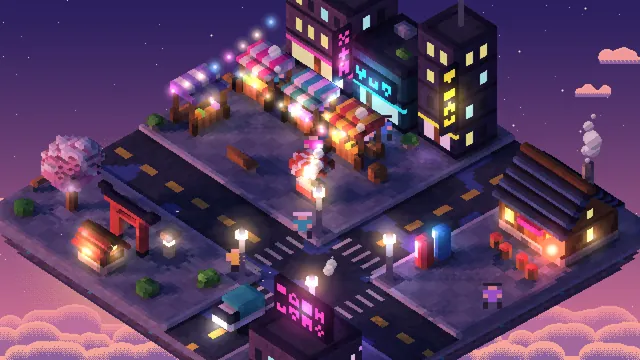
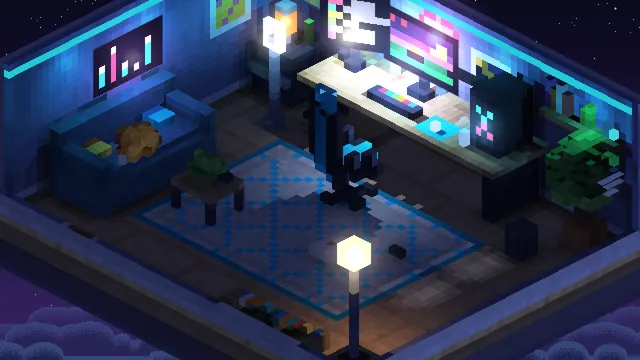
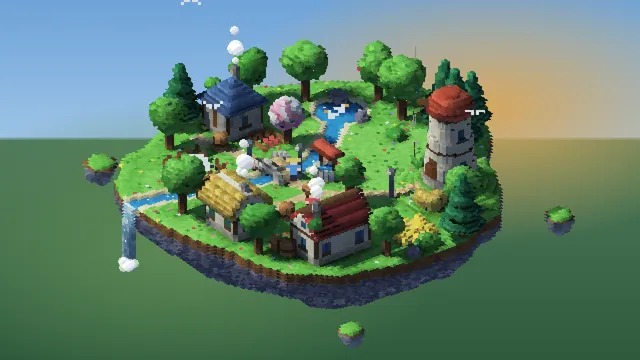
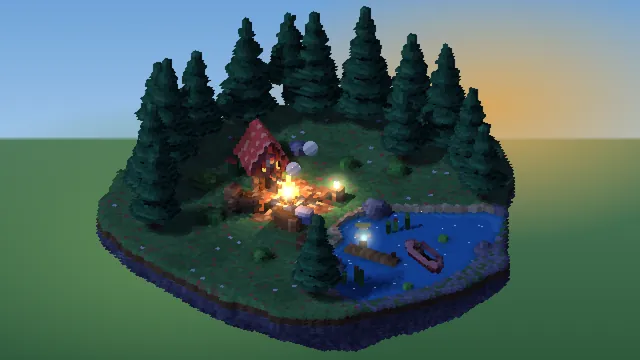
Little pixel-art worlds on a floating base that turn slowly, lit by a low sun or by their own lamps and windows: an island village, a lighthouse, a night market, a castle, a streamer's room, a campsite. A background for a starting soon or break scene, or switch the sky off and tuck one in a corner.
All stylesTiny living worlds
Small places that run themselves, with a camera that wanders to whatever is happening.
Tiny living worlds
Little pixel-art places that run themselves while you are away: skiers riding the lift and carving down, boats unloading at a quay, trains keeping to their signals, ants digging a nest, a junction full of traffic. The day passes, the weather turns and the camera wanders to whatever is happening. A background for a starting soon, break or ending scene.
All styles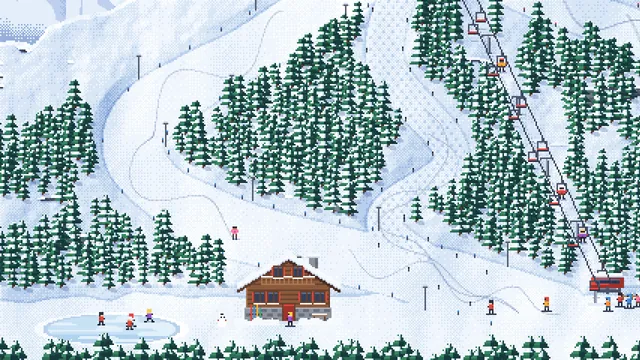 Ski hill, following the skiers
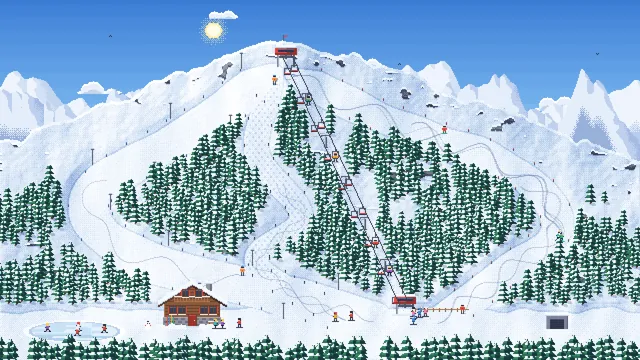 Ski hill, the whole mountain by day
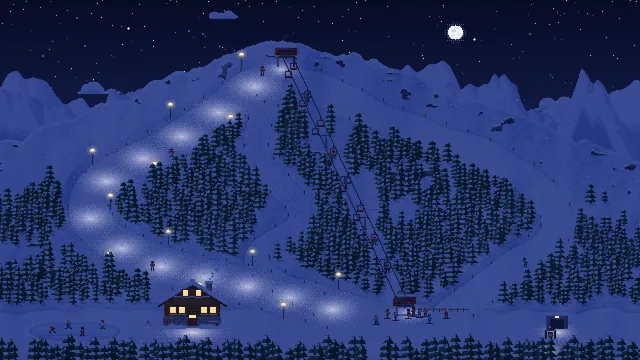 Ski hill under the floodlights
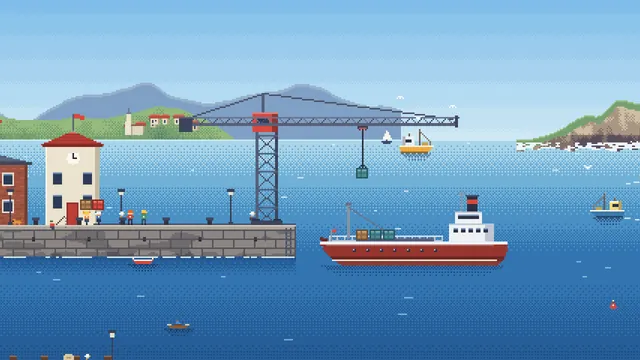 Harbour, following the work
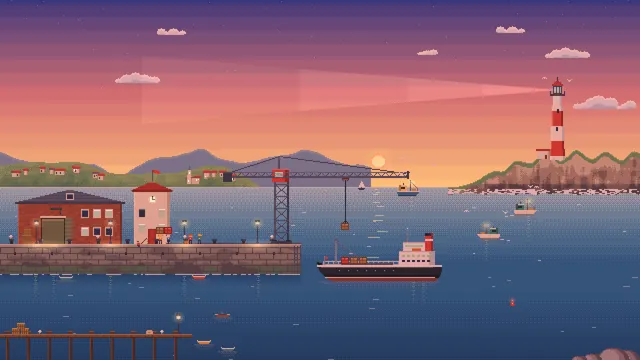 Harbour at sunset, the whole quay
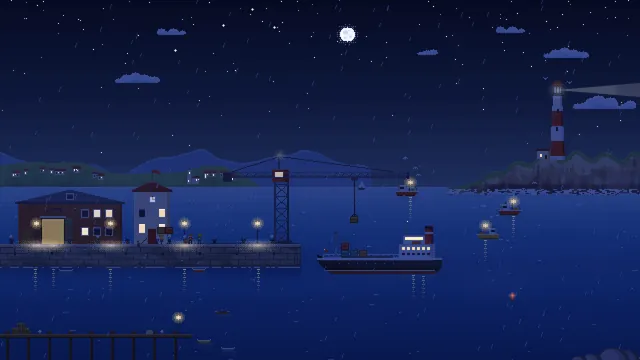 Harbour at night, lighthouse and rain
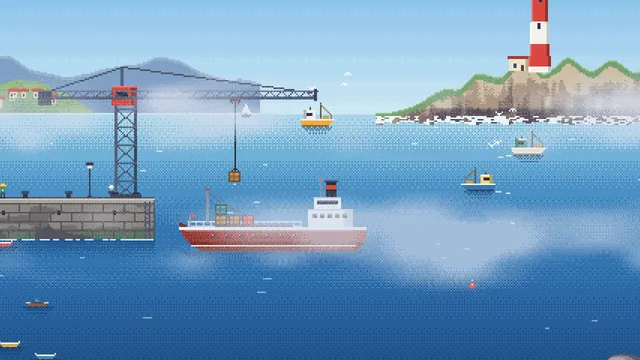 Harbour in the morning fog
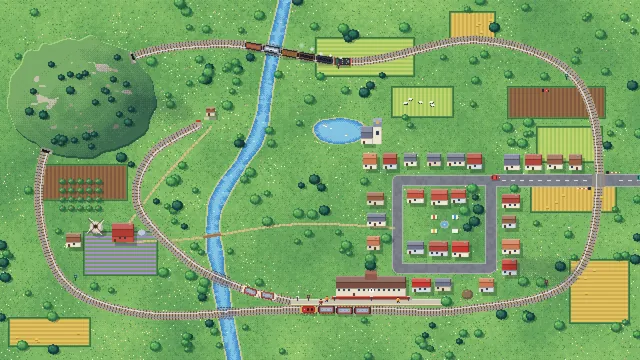 Model railway, the whole layout
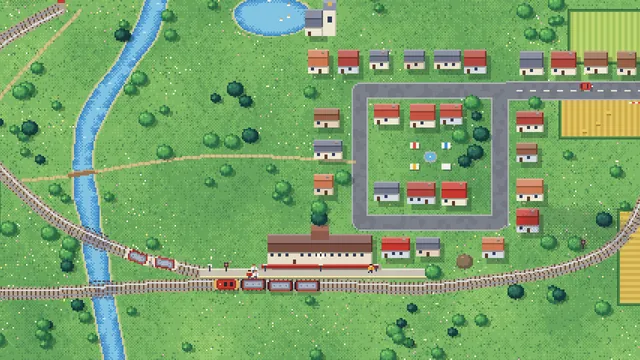 Model railway, riding with the trains
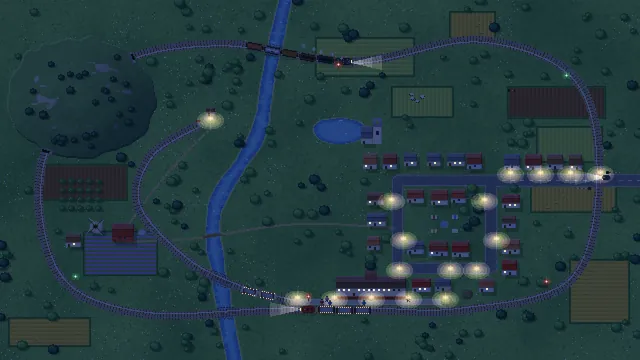 Model railway by lamplight
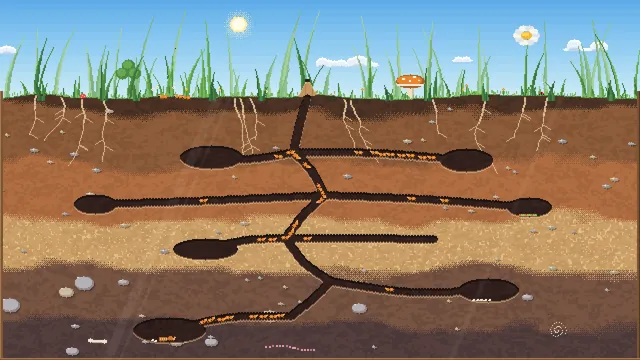 Ant farm, the whole nest
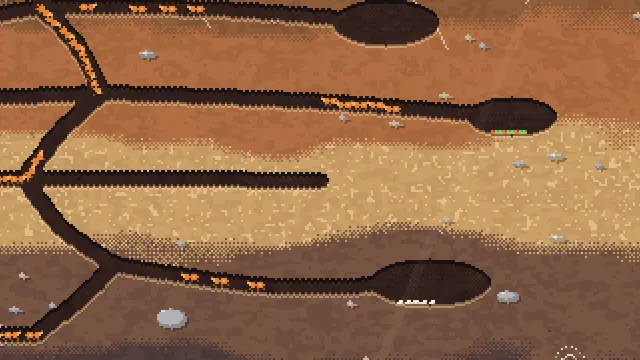 Ant farm, down among the ants
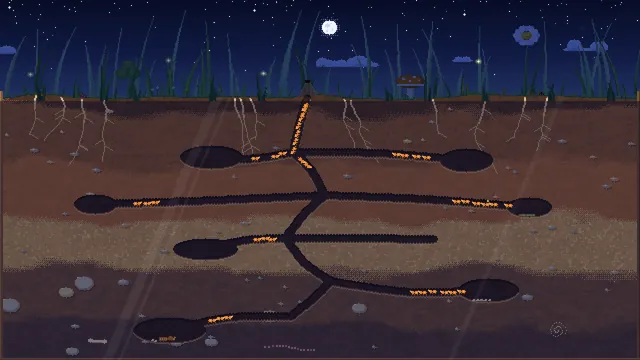 Ant farm at night, fireflies above
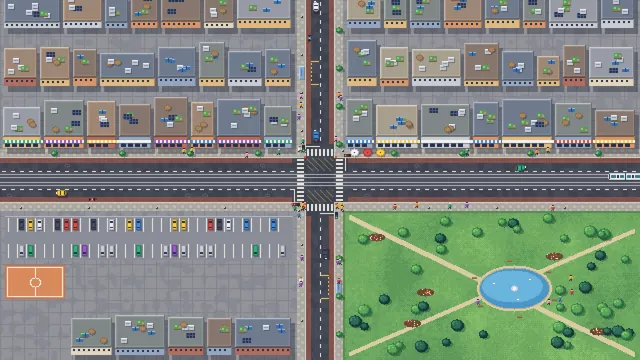 City junction, a busy day from above
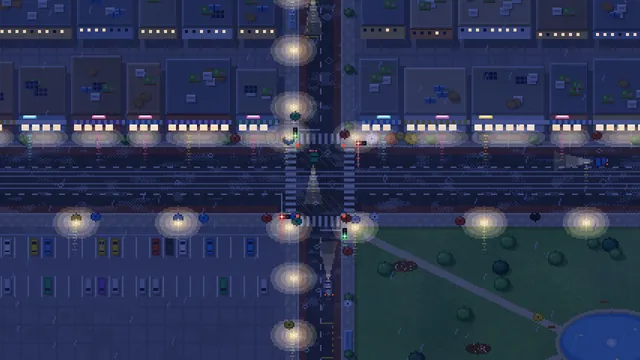 City junction on a rainy night
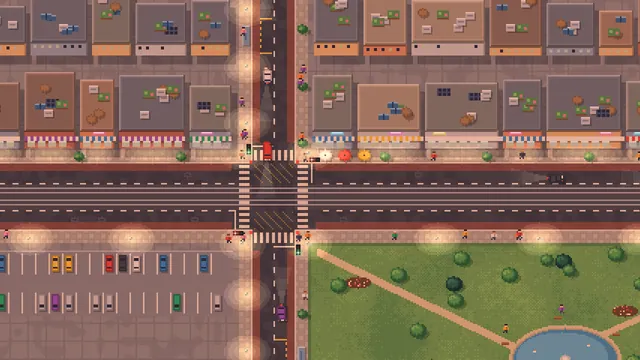 City junction at dusk, drifting over
How to use them
As a background
- Choose one above and adjust it: time of day, weather, colours, how busy it is.
- 选择 复制链接(Copy link) and add it to OBS as a Browser Source at your canvas size.
- Put it at the bottom of the scene, behind your camera and everything else.
With a title on it
- 打开 Starting soon / BRB / ending in Overlay Studio.
- Pick any of these under Background, or start from a ready-made style.
- Add your title, a countdown and your socials.
Keeping your stream smooth
- They draw at 30 frames a second and lower their own resolution if your computer is busy.
- Each has a Picture sharpness setting if you want to make it lighter still.
- 如果 OBS 提示渲染延迟,请在浏览器源网址末尾添加 &fps=20,将动画限制为每秒 20 帧。

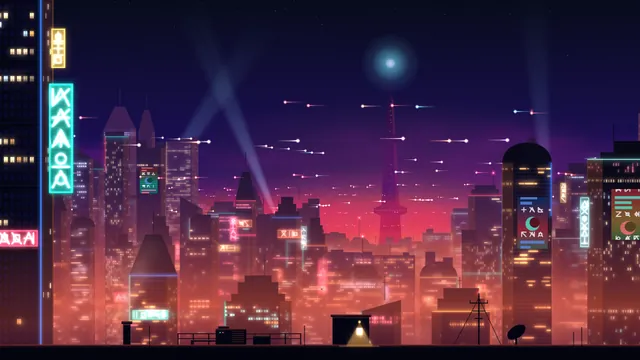 Neon megacity at night
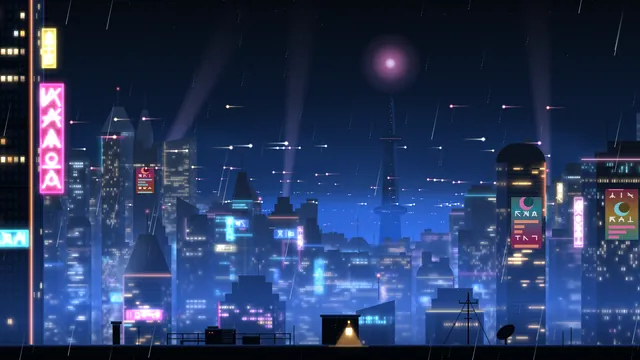 Neon megacity in the rain
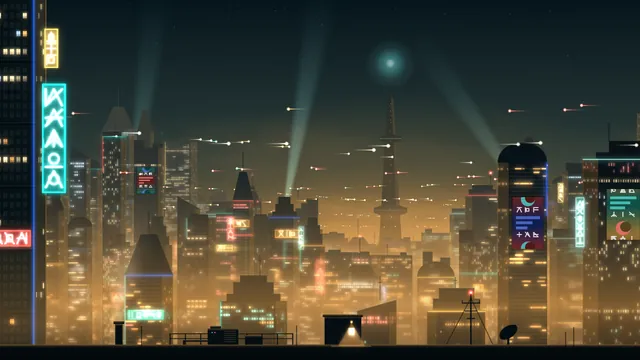 Neon megacity, teal and amber
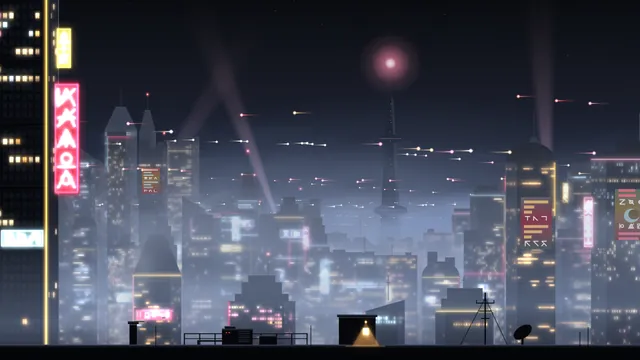 Neon megacity in fog
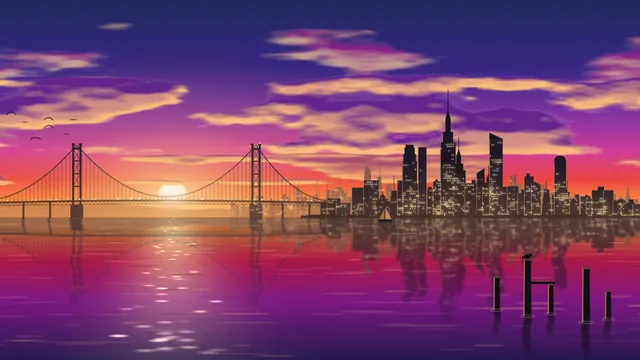 Sunset across the bay
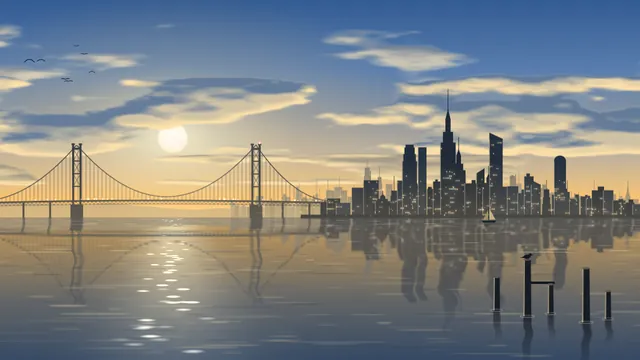 The bay at golden hour
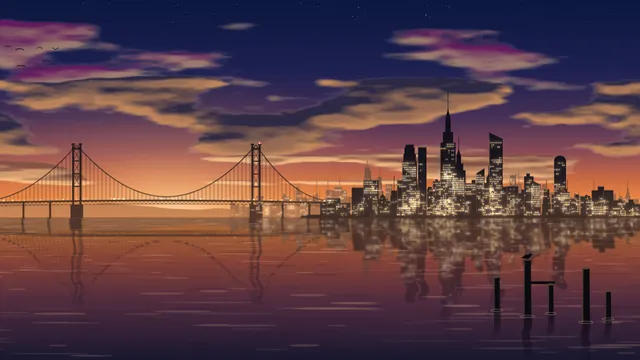 The bay at dusk
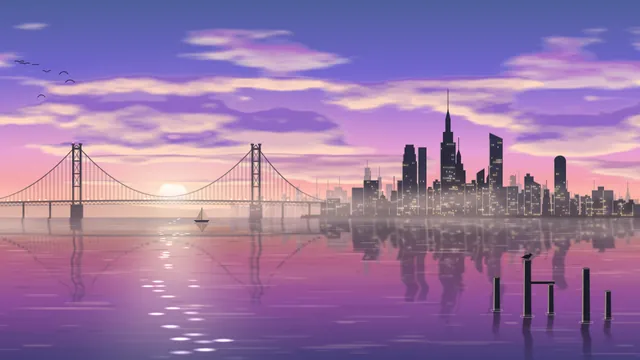 The bay at pink dawn
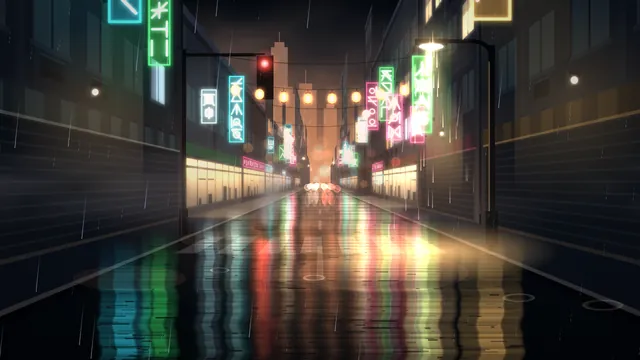 Rainy street at night
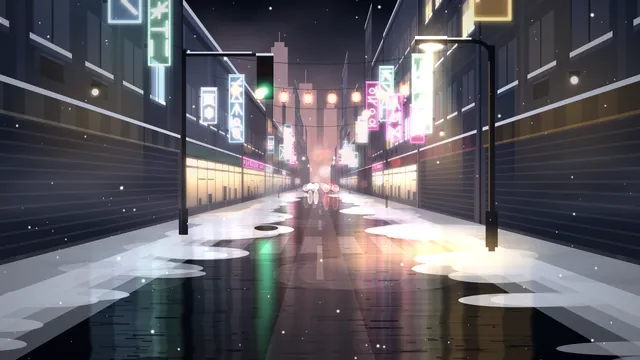 Snowy street, red lanterns
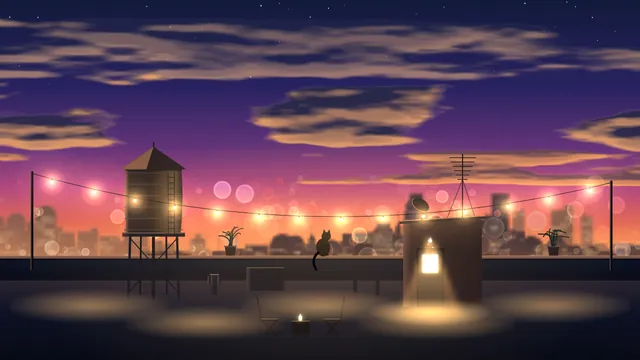 Rooftop at dusk
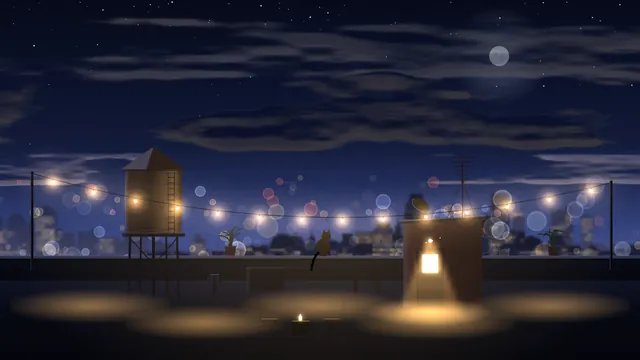 Rooftop on a clear night
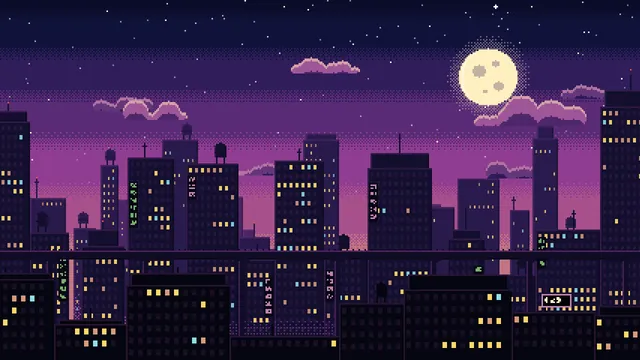 Pixel city night
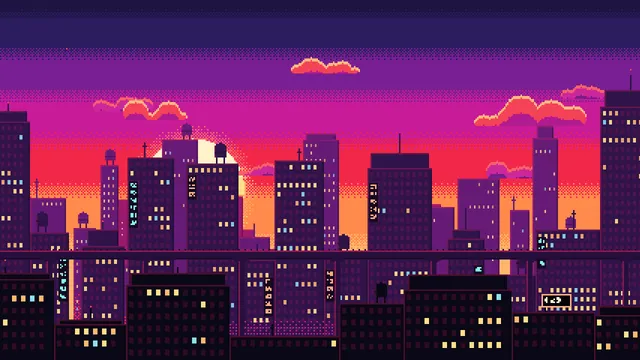 Pixel city at sunset
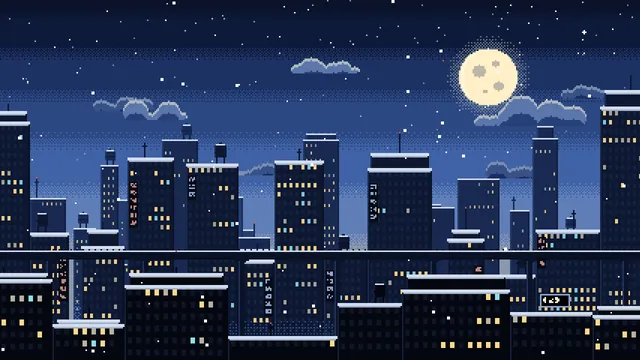 Pixel city in the snow
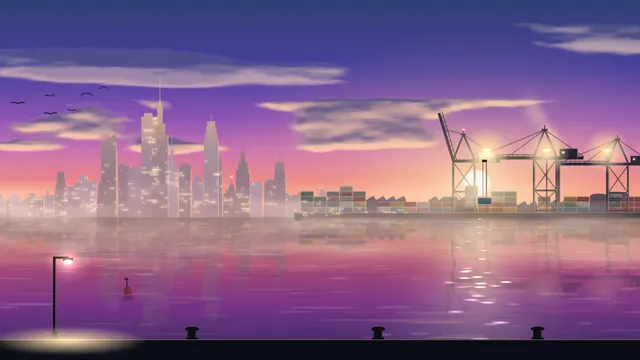 Harbour at dawn
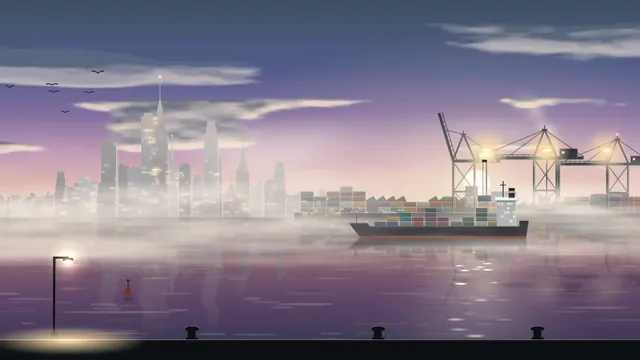 Harbour in the morning mist
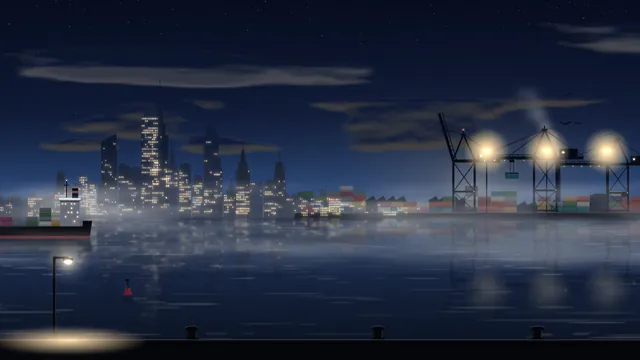 Harbour at night